


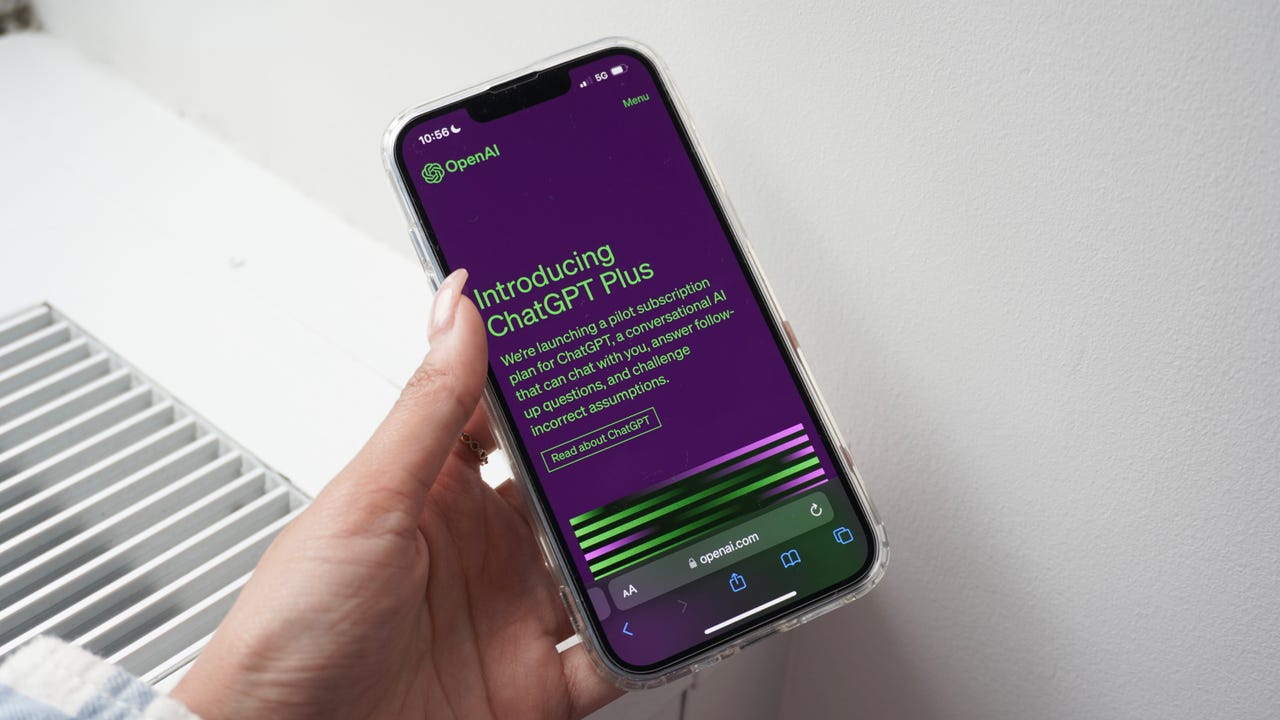
You've just signed up for ChatGPT Plus to get more out of the AI chatbot, but what's next? Advanced Data Analysis, image generation with DALL-E 3, plugins, Browse with Bing — it can be daunting knowing how to use each tool. We'll walk you through how to get started using all the benefits of a Plus subscription.
Also: How to use ChatGPT
After using ChatGPT daily for a few months, I took the leap to upgrade to a ChatGPT Plus subscription. The upgrade sets me back $20 a month, but since I use it multiple times a day for work and many other things, it was worth it.
How to use ChatGPT Plus
ChatGPT Plus is easy to use, even if it has a lot of features to become familiar with. To use ChatGPT Plus, you'll need a Plus subscription first. To upgrade to ChatGPT Plus, you can log into your OpenAI account and click on Upgrade on the lower left corner of the screen.
Navigate the table of contents on the left of this page if you're looking for a specific feature.
Using GPT-4
The ChatGPT Plus subscription gives you access to GPT-4, which is the same model powering Microsoft's Bing AI. GPT-4 is OpenAI's most capable model yet and is also the largest large language model (LLM) to be widely available.
Attaching images
ChatGPT Plus can also process images on all platforms: web, iOS, and Android.
ChatGPT Plus browsing with Bing
OpenAI recently connected ChatGPT to the internet — again. The AI chatbot was given internet access once before, which lasted a week. The Browse with Bing capability was deactivated in July after users found that they could access paywalled content for free by using ChatGPT. Now that ChatGPT is back online, here's how you can use the browsing feature:
Using Advanced Data Analysis
ChatGPT Plus' Code Interpreter was renamed to Advanced Data Analysis just a few weeks ago. Advanced Data Analysis is an OpenAI Plugin that lets users upload files for analysis, create and interpret code, analyze data, and more.
Though previously known as Code Interpreter, Advanced Data Analysis can be used for much more than programming. For example, you can upload PDFs to have ChatGPT give you summaries of large bodies of text, give it ZIP files to display their contents, and it can even perform image conversions. ZDNET's David Gewirtz explained how Code Interpreter worked and didn't work while creating a custom JavaScript bookmarklet.
Using Plugins
Plugins are widely available for ChatGPT Plus users and are the single best way to get the most out of a ChatGPT Plus subscription. Here's how to turn them on and find them:
Enable the Plugins in your ChatGPT settings.
Voice chatting with ChatGPT
ChatGPT can now also process voice inputs and it can respond back in a shockingly natural manner. The voice feature is only available for iOS and Android users with a Plus subscription for now.
ChatGPT will respond to you when there's a gap in speech.
Using DALL-E 3 in ChatGPT
OpenAI initially released DALL-E 3 within the Bing Image Creator, but it has since added the image generator to ChatGPT Plus as an option within GPT-4.
Giving DALL-E 3 in ChatGPT prompts works just like chatting with ChatGPT, just enter your prompt and send.
FAQ
Will OpenAI release an all-in-one GPT-4 experience?
OpenAI, maker of ChatGPT, is testing out an all-in-one experience for ChatGPT Plus users that automatically switches tools for them. This means that you'd be able to access DALL-E 3, Browse with Bing, and use Advanced Data Analysis by just selecting GPT-4, without having to switch between each tool before sending your prompt.
Also: Can ChatGPT predict the future? Training AI to figure out what happens next
This is still in beta and we don't have a set timeline of when it will be available for everyone.
What is included in ChatGPT Plus?
A ChatGPT Plus subscription gives you access to the features detailed above and priority access to new releases. It is different from a ChatGPT Enterprise subscription, which is a new subscription for businesses.
Also: The moment I realized ChatGPT Plus was a game-changer for my business
Here's a breakdown of the different features for each tier:
Comparison
| Features | ChatGPT | ChatGPT Plus | ChatGPT Enterprise |
|---|---|---|---|
| Cost | Free | $20/month | Depends on org size |
| Acess to GPT-3.5 | ✓ | ✓ | ✓ |
| Access to GPT-4 | – | ✓ | ✓ |
| Limits | Depends on peak times | Unlimited GPT-3.5 | 50 messages per three hours for GPT-4 | Unlimited |
| Internet browsing | – | ✓ | ✓ |
| Plugins | – | ✓ | ✓ |
| Custom Instructions | ✓ | ✓ | ✓ |
| Code Interpreter | – | ✓ | ✓ |
| Voice feature | – | ✓ | ✓ |
| Image processing | – | ✓ | ✓ |
| 32k-token context | – | – | ✓ |
| Chat templates | – | – | ✓ |
| Admin console | – | – | ✓ |
| API credits | – | – | ✓ |
What are Custom Instructions?
Custom Instructions are a way to make ChatGPT's responses tailored to your preferences. It lets you add instructions to your account that will determine how the AI chatbot will respond to each of your prompts.
Also: 6 helpful ways to use ChatGPT's Custom Instructions
For example, I prefer getting my summaries in bullet points, highlighting the most important information, so I added this to my Custom Instructions. Each time ChatGPT responds to me with explanations or summaries, it does so in bullet points.
Custom Instructions originally launched as a feature exclusive to ChatGPT Plus subscribers but it is now rolling out to all free users.