


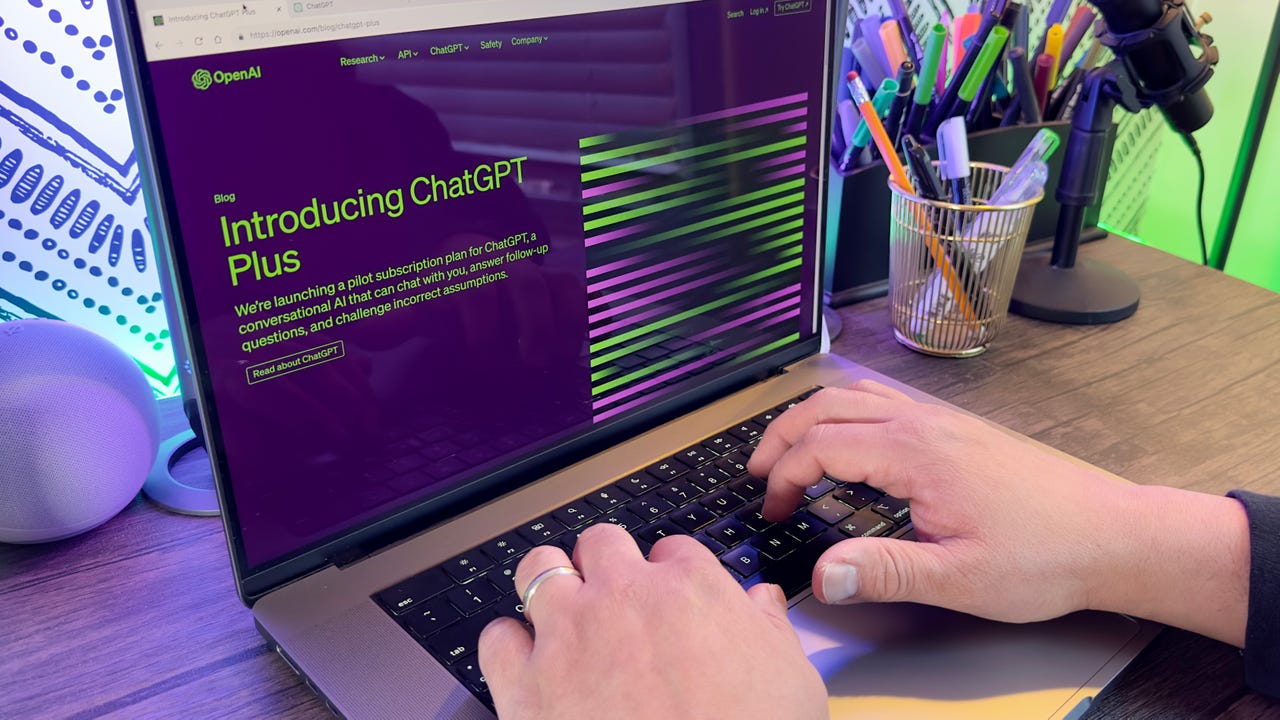
Some time ago, Opera became my default web browser. The biggest reason for that shift from Firefox was Opera's Workspaces, which make for the best tab management on the market. Recently, I also started using Opera's Aria AI option as a more efficient means of researching. Although I still use Aria, I've also added ChatGPT into the mix because sometimes two voices are better than one.
Also: I replaced Google Search with Opera's Aria AI feature and I don't miss the former one bit
Before I get into this, I want to be clear about my take on AI. I only use AI for one thing and one thing only…research. I have not and will not use AI as a tool to "assist" with my writing. I'm a professional writer and would never lean on a crutch to do my job. And as far as my creative endeavors, AI will never find its way into the mix.
With that said, I want to show you how easy it is to add ChatGPT to Opera. One of the reasons why I like using Opera's take on ChatGPT is that there's no need to install an API key, or any other nonsense. In fact, using ChatGPT with Opera is about as no-brainer as it gets. Yes, you do have to sign up for an OpenAI account (they offer a few accounts), but that's it. I simply signed up with my Google account and was done with it.
If that sounds like something you could benefit from, read on.
Adding ChatGPT to opera
What you'll need: The only thing you'll need is the most recent release of Opera. And because the feature works on Linux, MacOS, and Windows, it doesn't matter which desktop operating system you use. I will demonstrate this on my default Ubuntu Budgie Linux desktop OS. One reason why I preferred to use Opera's take on ChatGPT for Linux is that even the command-line version of ChatGPT isn't reliable. After installing the app, and adding my OpenAI API key, the app failed to function. With Opera, it took me all of thirty seconds to start querying.
You can enable all the AI services you want.
You can either log in with your account or create a new one from here.
Start your interaction with ChatGPT here.
If you don't see your chats archived, click the refresh icon and they'll appear.
It takes a few clicks but you'll eventually find the share menu.
Although the Opera ChatGPT can be a bit fiddly at times, it's certainly better than a lot of other options. Between Aria and ChatGPT, the choice comes down to this: If you use the Opera browser on all of your devices, stick with Aria. If you switch between browsers, go with ChatGPT.
Why? Because if you're always using Aria, you'll have access to your chats from all your browser instances (so long as they are signed in to your Opera account). Otherwise, you can use ChatGPT and access them from the chat.openai.com address.