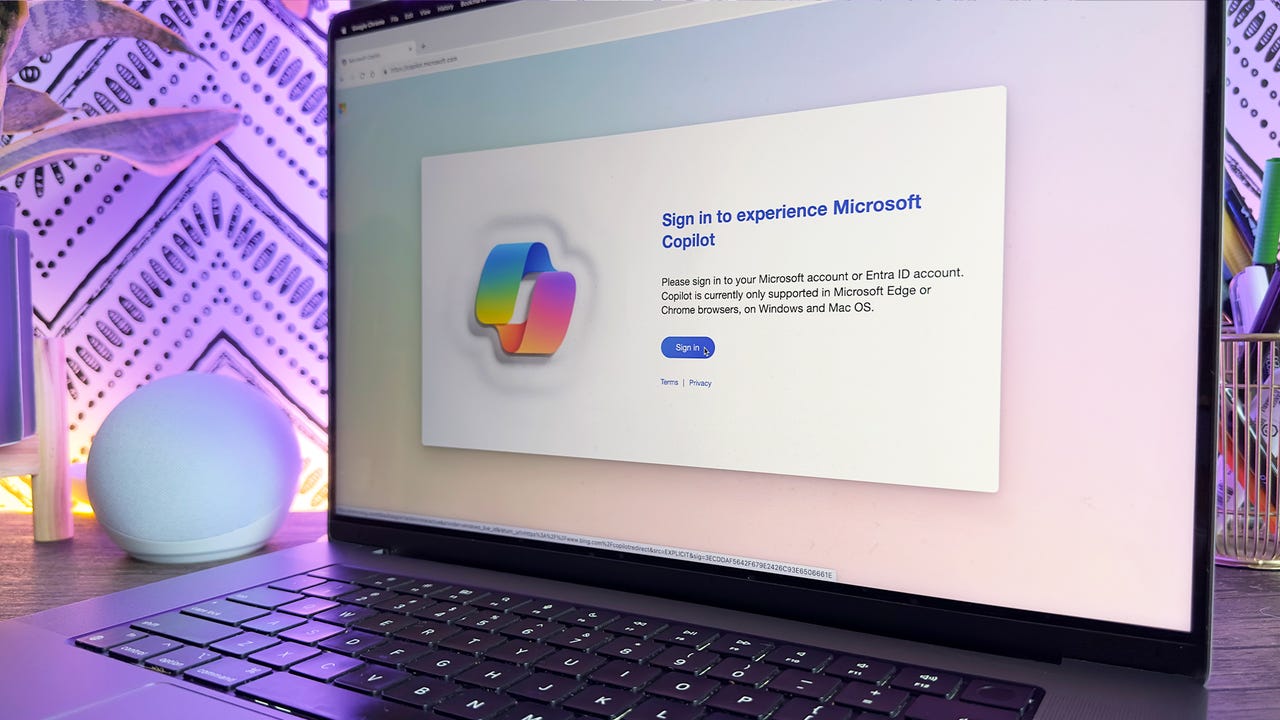
Since OpenAI launched ChatGPT in the fall of 2022, Microsoft has become one of the company's biggest investors. Microsoft leveraged these investments to superpower its own search engine, Bing, with generative AI, infusing it with a new generative search experience. The company also developed a competitive AI chatbot — Microsoft Copilot — which is accessible as a standalone site or through Bing.
Also: How my 4 favorite AI tools help me get more done at work
Users can leverage Microsoft Copilot to ask questions, upload images, and request AI-generated images, just like they can with ChatGPT. However, Copilot slightly differs slightly from its more popular competitor, ChatGPT. Here's how to make the most of it.
How to use Microsoft Copilot
Signing in to Copilot with a personal account.
If you have an account through your workplace or school and choose to sign in, you'll be able to toggle between two Copilot modes in the upper lefthand corner: Work and Web.
Work is Copilot's Enterprise arm, integrated with Microsoft 365 to function as a productivity assistant that can summarize documents, help you prep for meetings, brainstorm ideas, organize tasks, and more. It can leverage your company's internal data and comes with enhanced security to ensure privacy when uploading files.
FAQs
What can Microsoft Copilot do?
Like ChatGPT, Microsoft Copilot can generate text conversationally, compose essays, create letters, summarize content, write code, and answer complex questions. It also has internet access, allowing it to provide up-to-date responses on current events — something the free version of ChatGPT lacked until recently.
Also: 7 advanced ChatGPT prompt-writing tips you need to know
Copilot can also use AI to generate images (for signed-in Microsoft users) within the chat window. All you have to do is ask it to create an image and describe what features you'd like the photo to have, and it'll generate an image right away. It can also process images you upload in the chat to tell you information about them, like identifying plant species.
How can I access Microsoft Copilot?
The Microsoft Copilot AI chatbot is accessible through the Copilot.Microsoft.com website or Bing. Users need a Microsoft account or Entra ID to log in, or you can use it without signing in and have limited responses per topic.
Can you use the new Microsoft Copilot on mobile?
The Microsoft Copilot chatbot is still accessible through the Bing mobile app. You can start a conversation on the web and scan a QR code to continue it on the mobile app.
Also: Want quick access to Bing Chat on your phone? Add this handy widget
This app provides a straight line to the Copilot chatbot, with the benefits of not having to go through a website when you want to use it and the ability to add widgets to your phone's home screen.
Does Microsoft Copilot use ChatGPT?
Copilot does not use ChatGPT, as ChatGPT is not itself an LLM. Instead, Copilot uses a model from OpenAI's GPT-4 architecture to perform its functions. ChatGPT also uses a model from that family of models; however, it uses the most advanced one—GPT-4o.
Does Microsoft Copilot give wrong answers?
Just like ChatGPT and other large language models, the new Copilot is prone to giving out misinformation. Most of the output Copilot offers as answers are drawn from online sources, and we know we can't believe everything we read online.
Also: The best AI chatbots of 2024: ChatGPT, Copilot, and worthy alternatives
Similarly, the Copilot chatbot can generate nonsensical answers unrelated to the original question, which are also known as hallucinations. It's important to take precautions when having conversations with AI chatbots, like never sharing personal and private information and never relying on them for medical or life-threatening information.
How is Microsoft Copilot different from a search engine?
Compared to a search engine, the biggest difference between Copilot and other AI chatbots is the conversational tone in rendering search results, thanks to the large language model (LLM) operating behind the scenes. Intelligently formatting search results into an answer to a specific question can make it easier to find something online.
Also: Six levels of autonomous work: How AI augments, then replaces
Beyond the search capabilities that the standard Bing search engine already has, Copilot is a full-fledged AI chatbot that can do many things similar to tools such as ChatGPT. Both Copilot and ChatGPT, for example, can generate text, such as an essay or a poem, write code, or ask complex questions and hold a conversation with follow-up questions.
Does Microsoft have an AI image creator?
Microsoft also debuted Bing Image Creator as part of its generative AI tools. Currently, Microsoft is using DALL-E, an AI image generator from OpenAI. It's accessible within Copilot — users can give Copilot a prompt to create images within an existing chat instead of going to a separate website.
Also: How to use Bing Image Creator (and why it's better than DALL-E 2)
Is Microsoft Copilot free?
The Copilot chatbot is completely free. You can use the Copilot chatbot to ask questions, get help with a problem, or seek inspiration.