
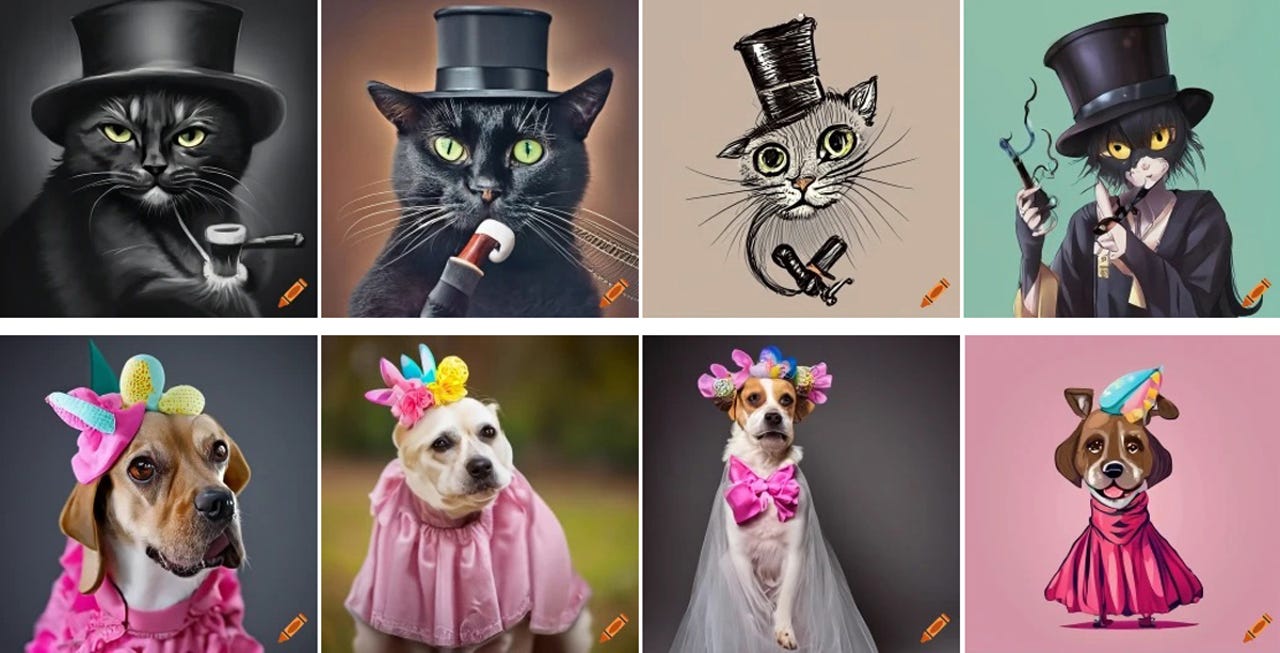
A host of AI-powered websites and services can create images and artwork based on your description. One site worth trying is Craiyon. The free (but ad-supported) web version of Craiyon will generate art, drawings, and photos from your text description. The paid versions dispense with the ads and speed up the processing time. There's also a Craiyon Android app for your phone or tablet.
How to use: Midjourney | Bing Image Creator | DALL-E 2 | Stable Diffusion
Designed by developer Boris Dayma as a free text-to-image AI tool, Craiyon advanced not only through internal improvements but through contributions from the open-source community. Beyond generating new images, Craiyon contains a library of existing images that you can access to help with your queries. Previously known as DALL-E mini, the site changed its name upon a request from OpenAI, which felt that the former name was too close to its own DALL-E image generator.
How to get started with Craiyon AI
How to use the Android app
Beyond the website, you're able to take Craiyon for a spin on an Android device. Download and install the app from Google Play. Sign into your account if you've created one. From there, the app works the same as the website. Type a description of the image you want, choose a style, and then tap Draw. Among the results, tap an image to see a larger version of it. From there, you can upscale it, download it to your device, or try a different prompt.